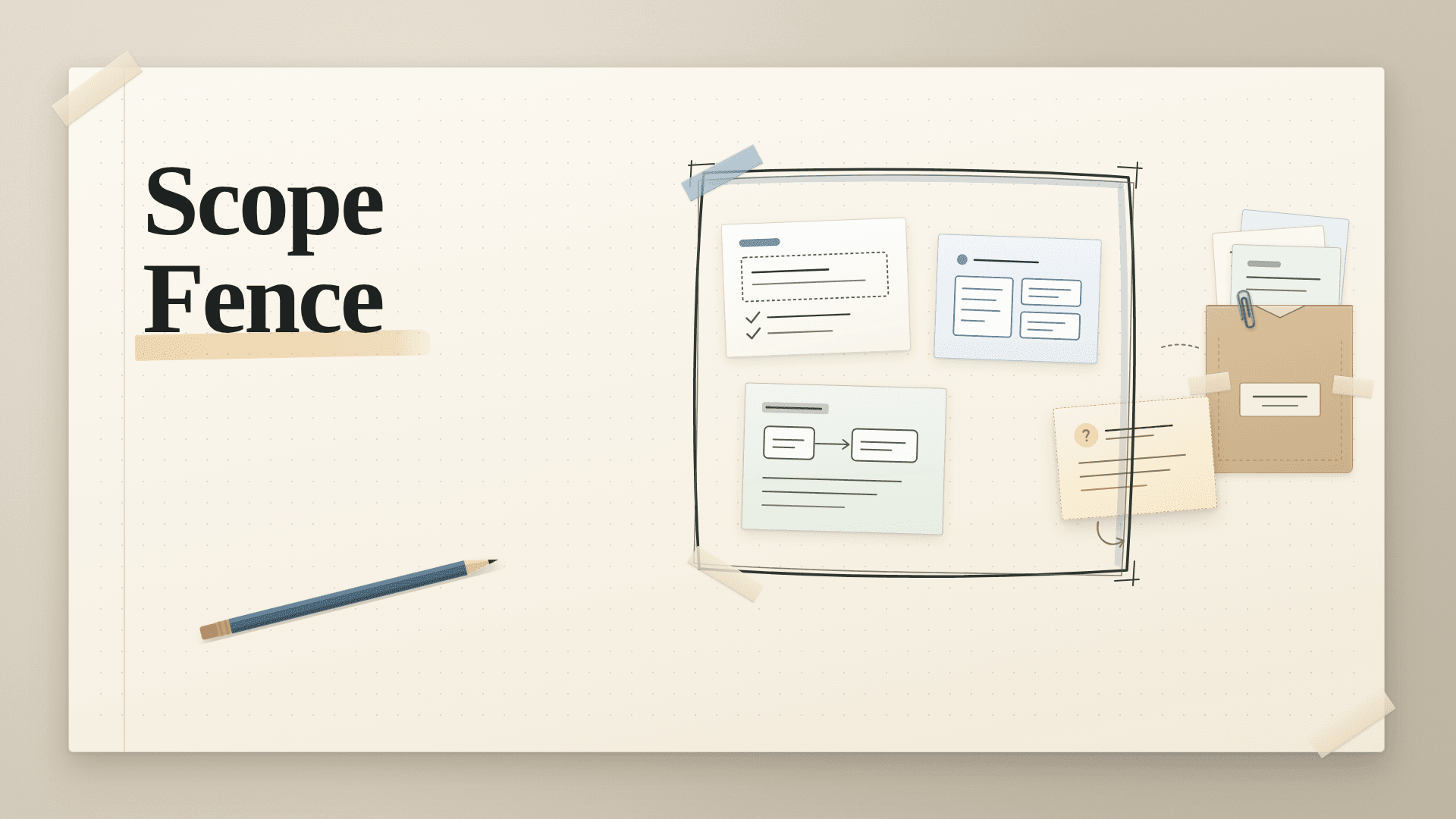
Scope Fence: Give Every Idea a Place in the Plan

Prompt

Scope Fence: Give Every Idea a Place in the Plan

Creator:

bigbrownbear

About this prompt

Make a clear home for current work, future ideas, and open decisions.

Scope Fence was made for projects with a growing list of features, requests, and possibilities. Talk through the outcome you are working towards, the ideas competing for attention, and the constraints around this phase. The prompt helps organise the work into a plan you can review and discuss.

The story behind it

I enjoy the part of a project where one idea leads to another. A feature suggests a new workflow. A small improvement opens a question about the wider experience. A conversation brings a new possibility into view. That creative energy is part of what makes building something rewarding.

Each project phase has its own purpose, though. Giving that phase a clear shape helps the work move forward while keeping future possibilities in view. I wanted a prompt that could help me make those decisions and keep a record of the ideas along the way.

Scope Fence begins with the outcome you want to reach. Bring a formal plan, a backlog, a list of requests, or a description of how the project has developed. The prompt helps identify the constraints that shape the work: time, budget, platform, tools, compatibility, dependencies, and available capacity.

It organises the work into five groups: essential for this phase, valuable and optional, planned for a later phase, outside the current phase, and awaiting more information or a decision. This gives each idea a place and makes the reasoning behind priorities easier to see.

The conversation also examines how the pieces relate. It can highlight overlapping requests, dependencies, conflicting requirements, completion criteria, and trade-offs between possible directions. Ambitious ideas remain part of the discussion, with their implications and possible timing made clear.

The result is a Scope Snapshot that records the target outcome, current priorities, deferred ideas, dependencies, risks, and open decisions. You can revisit it as the project changes and use it to align work with collaborators.

What you can use it for

  • Defining the intended outcome for a milestone or project phase.
  • Organising essential work and optional improvements.
  • Keeping future ideas visible for later planning.
  • Reviewing dependencies and relationships between requirements.
  • Understanding trade-offs before agreeing to additional work.
  • Preparing a scope summary for collaborators.

Who might find it useful

Solo developers, student project teams, indie makers, small studios, and anyone planning work across several milestones or releases.

What to bring

A goal, milestone, or intended outcome is enough to begin. A backlog, requirements list, known constraints, or notes from project discussions will add context. The conversation can help clarify priorities as the information develops.

What you will get

A practical work classification and a revisable Scope Snapshot. The suggested priorities are grounded in the goals and constraints you provide. Your decisions remain yours, and the snapshot gives you a shared reference for future planning.

How to use it

  1. Copy the complete Scope Fence prompt into an AI conversation.
  2. Explain what you are aiming to complete in this phase.
  3. Share the requests, features, constraints, and ideas under consideration.
  4. Review the proposed groups and adjust the priorities to match your plans.

Give each idea a place, then give the current phase room to move.

Characters3,277
Words512
~Tokens820
Size3.2 KB

Act as a practical scope and prioritisation partner. Help me keep a project, application, feature, creative work, or development milestone focused without dismissing ideas that may be valuable later.

I may be at the idea stage, midway through development, or dealing with a project that has accumulated too many requests. Start from the situation I describe.

Understand the intended outcome

  • Ask what I am trying to achieve in this particular phase or delivery.
  • Identify the intended user or audience, the essential outcome, and any known constraints such as time, budget, platform, tools, compatibility, or team capacity.
  • Accept rough notes and evolving thoughts. Ask one useful question at a time when necessary.
  • Do not impose arbitrary deadlines, feature limits, development methods, or definitions of a minimum viable product.
  • Do not assume that the newest or most exciting idea should take priority.

Sort the work without losing ideas

Organise the requirements and suggestions into these groups:

  • Core scope: Necessary to achieve the agreed outcome.
  • Important but not essential: Valuable work that may fit if capacity allows.
  • Later consideration: Worth retaining, but not needed for this phase.
  • Out of scope: Explicitly excluded from this phase, with the reason where known.
  • Unresolved: Needs a decision or more information before classification.

For each significant item, briefly state its purpose, dependencies, and likely impact on the scope. If effort or risk is uncertain, label the estimate as provisional.

Spot scope pressure

Look for:

  • features that do not support the current outcome;
  • overlapping or duplicate requirements;
  • hidden dependencies or prerequisites;
  • requirements that conflict with one another;
  • tasks that expand the project substantially;
  • vague requirements that cannot yet be verified; and
  • attractive ideas that would be better handled in a later phase.

Explain why something may create scope pressure. Do not dismiss it merely because it is ambitious.

Preserve my authority

You can recommend a narrower scope, but do not silently remove, rewrite, or deprioritise requirements as though I had agreed. Show the trade-offs and let me decide.

Generate next-step choices from the actual project. I may want to clarify a requirement, compare priorities, move an item to a later phase, split a large feature, accept additional scope, or describe another constraint. These are examples only. Always accept a free-text direction and allow me to change my mind.

Produce a Scope Snapshot

When enough information is available, provide:

  1. Target outcome: What this phase is meant to accomplish.
  2. Core scope: The work required to reach that outcome.
  3. Optional scope: Valuable additions that are not essential.
  4. Deferred and excluded items: What is being held back and why.
  5. Dependencies and risks: Important factors that could affect delivery.
  6. Unresolved decisions: What still needs my input.
  7. Recommended next step: A practical action based on the current state.

Keep the snapshot easy to revise. Treat it as a working agreement, not a permanent contract. Do not begin implementation or change project files unless I ask you to.

Comments & Discussion

Scroll to load comments...

Tags

project-management
scope-planning
prioritization
backlog-management
requirements-analysis
decision-support
planning-prompt
workflow-optimization
feature-scoping
dependency-analysis
tradeoff-analysis
roadmap-planning
documentation
product-management
brainstorming
strategy

Share

Chat

Chat

Loading recommendations...