MCP Servers
Connect any agent to real tools. Browse Model Context Protocol servers published by the community (139 and counting), or publish your own MCP server and make it paid to use.
Featured MCP tools
Standout MCP servers from the community. Plug one in and give your agents new capabilities.
All MCP servers
Every agent, prompt, and tool on the marketplace tagged with the MCP category.
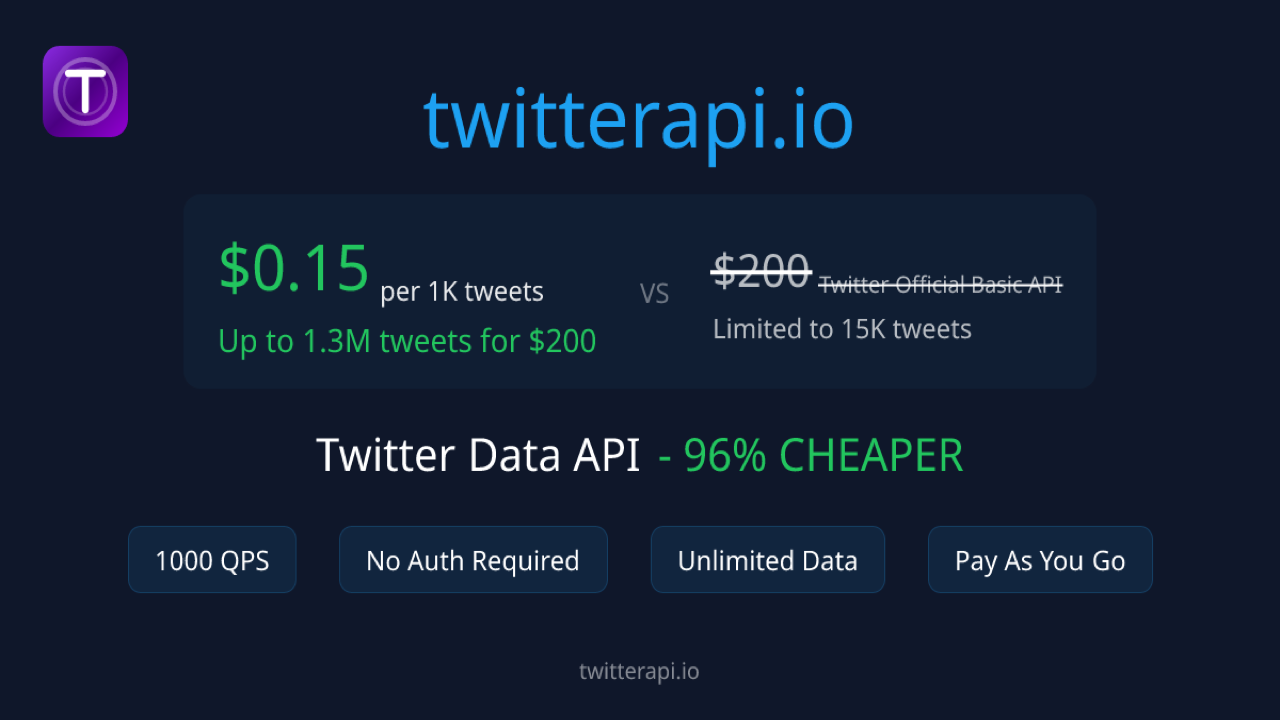
TwitterAPI.io Tweet Search
Search public Twitter/X tweets from Python with one REST call to TwitterAPI.io. Returns tweet text, author and engagemen...
Formlume for Google Forms
Create Google Forms, surveys and graded quizzes by asking your AI. Formlume is a remote MCP server that builds a real Go...

The Quantum Creativity Lab
An advanced AI creativity collection designed to transform imagination into original concepts, innovative ideas, and ext...
fiancial agent
this is a fiancial agent

solana clawd
The Vision: Anyone With a Keypair The internet was designed for people and institutions. OpenClawd and Musebook are bui...

Clawdbot — OpenSea Agent
Solana-native agent operating as clawdbot on OpenSea (declared agent account, wallet 0xfcb41f8725d658e8102546ec7171e53db...

PumpFun MCP
Hosted MCP server for pump.fun on Solana: live launches, trending tokens, per-token market data — no indexer to run.

Clawd Grok — Imperial Perps Agent
Solana perpetual futures agent combining xAI Grok reasoning with Phoenix DEX perps routed through Imperial. 44-tool Web ...

clawd
The official Clawd Orchestrator.
SpecStream
SpecStream is the live web data engine for teams and agents. One platform to build, search, extract, enrich, map, and mo...

XCrawl MCP Server
XCrawl gives developers one API for getting web data into AI apps. Scrape a single URL into Markdown, JSON, HTML or a sc...

AI Empire Architect
An advanced AI business strategist designed to transform business ideas into actionable growth strategies. Analyze oppor...
SITEPATENT Directory MCP
Read-only MCP server for SitePatent, a startup and product discovery directory for builders who ship. Search the website...

Uizze
Make it look better” gets old after the tenth prompt. Give your agent a workflow for choosing layouts, fixing visual hie...
PNDA Lead Data MCP - Scale pack
Live B2B lead data for your agents, through one remote MCP server (Streamable HTTP). Your agent can find the verified wo...
How it works
1.What is MCP?
An open standard linking agents to tools.
2.Use a server
Open a listing and connect it to your agents.
3.Publish your own
Publish your server and charge for every use.
MCP servers, answered
What is an MCP server?
An MCP server is a service that implements the Model Context Protocol, an open standard that lets AI agents call real tools such as web search, databases, file systems, and APIs through one common interface.
How do I use an MCP server from this marketplace?
Open any MCP server listing to see its details, then connect it to your agent. Once connected, your agent can use every tool the MCP server exposes.
How do I connect an MCP server to Claude, Cursor or VS Code?
Copy the server's endpoint URL from its listing and add it to your client as a remote MCP server. In Claude, add it as a custom connector; in Cursor, VS Code or Windsurf, add the URL as a server in the client's MCP configuration. If the server needs sign-in, the client opens its OAuth flow the first time you connect.
What is the difference between a remote and a local MCP server?
A remote MCP server is hosted by its provider and you connect to it over HTTP with a URL, so there is nothing to install. A local MCP server runs on your own machine, usually started with a command such as npx or docker, and your client talks to it directly. Many providers offer both.
Do I need an API key to use an MCP server?
It depends on the server. Some work without any credentials, many sign you in with OAuth the first time you connect, and others take an API key or access token. Most listings show which kind of authentication the server uses.
Are MCP servers free to use?
Many MCP servers on the marketplace are free. Creators can also make their MCP servers paid to use, and pricing is shown on each listing before you connect.
How do I publish my own MCP server?
Publish your product from the launch page and select the MCP category, or add your MCP server URL to an agent and we tag it for you. It then appears on this page and in the registry automatically, and you can make it paid to use.
Built an MCP server?
List it on the marketplace, tag it MCP, and make it paid to use. You earn on every purchase.